

Note-taking apps have changed more in the last two years than in the previous decade. AI is now doing the organizing, summarizing, and connecting of ideas that used to require either exceptional discipline or a whole system you had to maintain yourself. Here’s what’s actually worth using in 2026.
Short Answer: NotebookLM is best for research and study from multiple sources. Notion AI is best for teams and all-in-one workspaces. Obsidian is best for power users who want full data control. For quick capture and search across everything you copy, Clipboard Empire ($9.99) is an underrated addition to any setup on Mac.
What AI Has Changed About Note-Taking
Classic note-taking was passive: you collected things and hoped you’d find them later. AI note-taking is active: you ask questions across your notes, the app summarizes long documents for you, and connections between ideas surface automatically. The best apps in 2026 don’t just store your notes — they make them answerable.The practical impact: you can capture faster (worry less about organization, the AI handles it) and retrieve better (ask questions instead of searching). The tradeoff is that the strongest AI note-taking apps are more complex to set up and cost more than a plain Markdown file or Apple Notes.
Best AI Note-Taking Apps in 2026
1. Krisp – Best For Capturing Meeting Notes Anywhere
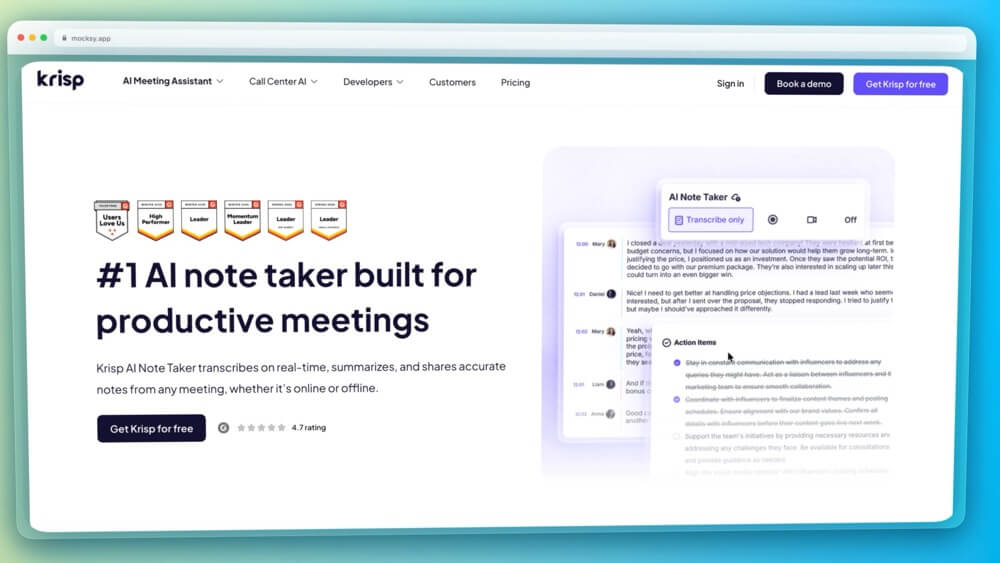
Krisp AI Note Taker is designed for people whose conversations don’t always happen in the same place. It can capture online meetings and transcribe them in real time, as well as record in-person conversations, lectures, interviews, and uploaded audio or video. It then turns them into meeting notes, summaries, discussion points, and action items. You don’t need any additional hardware to record in-person conversations, just your phone and Krisp’s mobile app.
The key difference is that it doesn’t add a bot to the conversation as a participant.
That makes it particularly useful if you move between Zoom, Google Meet, Teams, conference rooms, and conversations on the go. Krisp also accurately identifies different speakers, creates searchable transcripts, and lets you use AI chat to find information across your meeting history instead of digging through recordings manually. Transcription is available in 17+ languages.
Another reason Krisp stands out is that note-taking is part of a larger meeting toolkit that actually improves the meeting experience overall. The same app includes noise cancellation for removing background noise, voices, and echo, as well as real-time accent conversion for both speakers and listeners. So instead of using one app to make the conversation clearer and another to document it, Krisp AI Note Taker handles both sides of the meeting.
Standout feature: Bot-free note-taking that works across online and in-person conversations, with noise cancellation and accent conversion built into the same app.
- Best for: Remote/hybrid teams that need live or post-meeting transcripts and notes, as well as global teams that value a noise-free meeting experience and smoother communication across different accents
- Price: Free 7-day trial; Core starts at $8/user/month when billed annually
- Weak spot: Noise cancellation doesn’t work on the mobile app
2. NotebookLM (Google) — Best for Research and Study
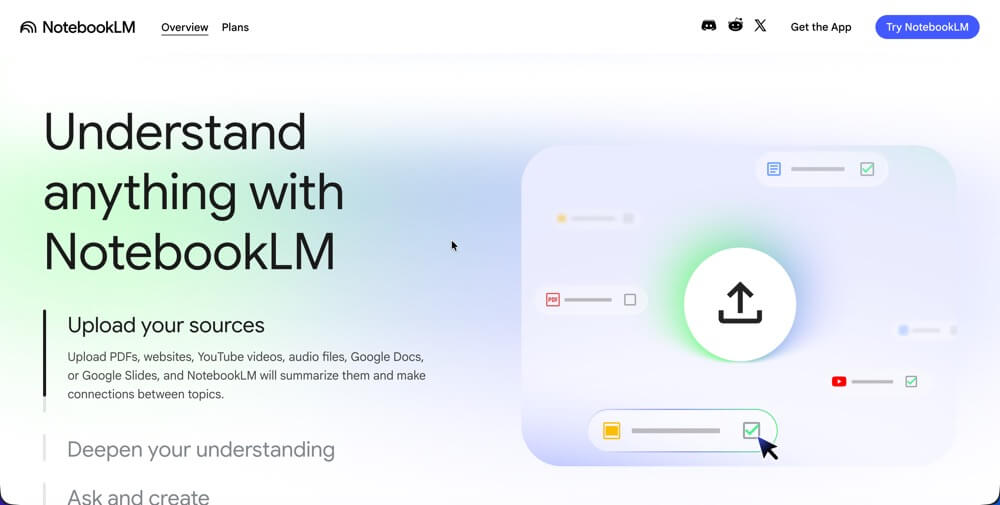
NotebookLM’s core idea is simple and powerful: upload your sources (PDFs, YouTube videos, Google Docs, websites), and then ask questions across all of them. It stays grounded in what you’ve uploaded — it won’t hallucinate facts from outside your sources, which makes it unusually reliable for research and academic use.
The Audio Overviews feature converts your research materials into a podcast-style conversation between two AI hosts. That sounds gimmicky but turns out to be genuinely useful for absorbing dense material while commuting or exercising. Citation accuracy is high — the app tells you exactly which source each answer came from.
The main limitation: each notebook is isolated. You can’t query across notebooks or build a long-term, evolving knowledge base the way Obsidian allows. It’s a research tool, not a personal knowledge management system.
- Best for: Students, researchers, anyone synthesizing multiple documents
- Price: Free
- Weak spot: Can’t build a connected long-term knowledge base across notebooks
3. Notion AI — Best for Teams and Workspaces
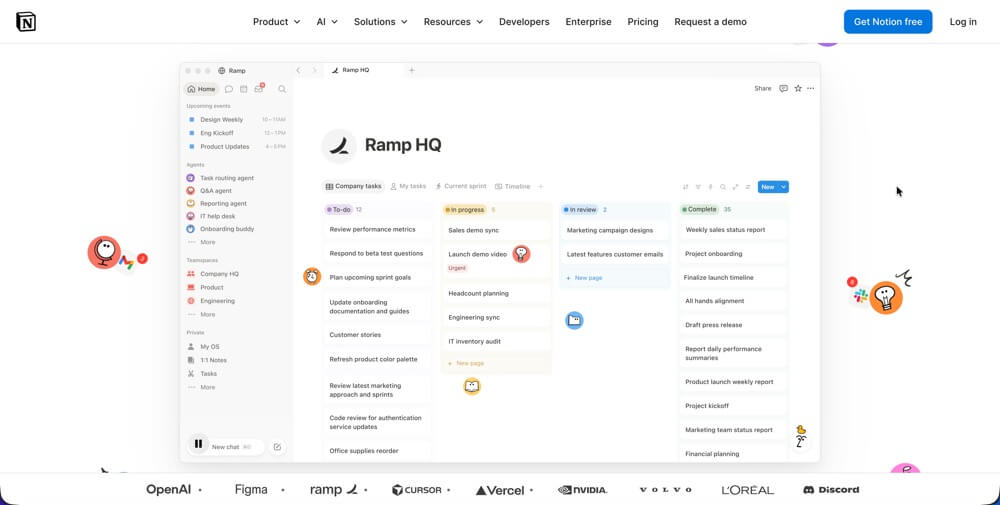
Notion combines notes, documents, databases, and project management in one platform — and its AI layer can now work across all of it. Ask Notion searches your entire workspace, AI Agents can draft meeting summaries and action items automatically, and the AI can restructure messy notes into clean formats on demand.
For teams, Notion AI is the strongest choice in 2026. The combination of workspace organization and AI assistance means everyone’s notes are searchable and actionable, not siloed in personal apps. The Business plan ($20/user/month) is required for full AI access — significant for large teams but reasonable for the functionality.
- Best for: Teams, content-heavy businesses, anyone who needs notes + project management in one place
- Price: Free for personal, Business plan for full AI ($20/user/month)
- Weak spot: Can become bloated; overkill for simple personal note-taking
4. Obsidian — Best for Power Users and Data Control

Obsidian stores your notes as plain text Markdown files on your local device. No vendor lock-in, no subscription required for core features, no cloud dependency. Your notes are yours — permanently and unconditionally. For people who’ve been burned by apps that changed pricing or shut down, this matters a lot.
The AI capabilities come through plugins (Copilot, Smart Connections, and others in the community) rather than built-in features. This means more setup but also more customization — you can wire in any AI model you prefer. Bidirectional linking automatically surfaces connections between notes, which is where Obsidian’s real power lies for long-term knowledge management.
According to community surveys, Obsidian is consistently rated highest by power users in 2026. It’s not for everyone — the setup requires real time investment and the learning curve is steeper than most apps. But for anyone serious about building a personal knowledge base they’ll use for years, it’s the most durable option available.
- Best for: Writers, researchers, developers, anyone who wants full data ownership and customization
- Price: Free for personal use (sync is paid)
- Weak spot: Steep learning curve, AI features require plugin setup
5. Apple Notes – Best for Apple Users Who Want Simple
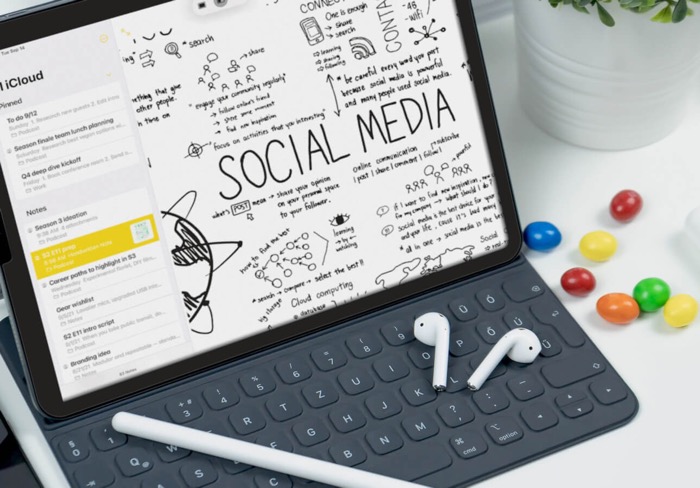
Apple Notes gets underrated because it’s free and pre-installed. In 2026, it has solid AI-powered summarization and smart search that works across handwritten and typed notes. If you’re in the Apple ecosystem and don’t need cross-platform or advanced features, it covers the basics well and integrates natively with Siri.
For quick capture on iPhone and Mac with zero setup, Apple Notes is hard to beat. The limitation is that it doesn’t scale well for complex personal knowledge management — once your note library grows large, organization becomes a challenge.
- Best for: Apple ecosystem users who want frictionless, free note-taking
- Price: Free
- Weak spot: Weak for complex knowledge management, Apple-only
6. Bluedot – Best for AI Meeting Notes
Bluedot
✓ Free (5 meetings) $14/month (Basic) No bot joins call Google Meet, Zoom, Teams
Bluedot sits in a different category from the other apps in this list — it’s not for capturing your own thoughts, it’s for automatically capturing what happens in meetings. If a significant portion of the information you need to document comes from calls rather than your own writing, this is the most practical addition to your note-taking stack.
It works through a Chrome extension that records your Google Meet, Zoom, and Teams calls directly from your device. No bot joins the meeting — other participants see a normal call. After it ends, Bluedot generates a structured summary with decisions, action items, and discussion points organized separately, not compressed into a wall of text.
The AI chat searches across your entire meeting history, so if you need to find what was said in a specific call three weeks ago, you ask a question and get a timestamped answer rather than rewatching a recording.
Standout feature: 100+ language support — the widest of any meeting note tool available, which matters for international teams or anyone with multilingual calls.
- Best for: Professionals who get important information through meetings and want it captured accurately without a visible bot on the call
- Price: Free (5 lifetime meetings), $14/month on annual billing
- Weak spot: Free plan only covers 5 total meetings — not ongoing free use like Fathom
7. Clipboard Empire — Best for Capturing Ideas You’d Otherwise Lose
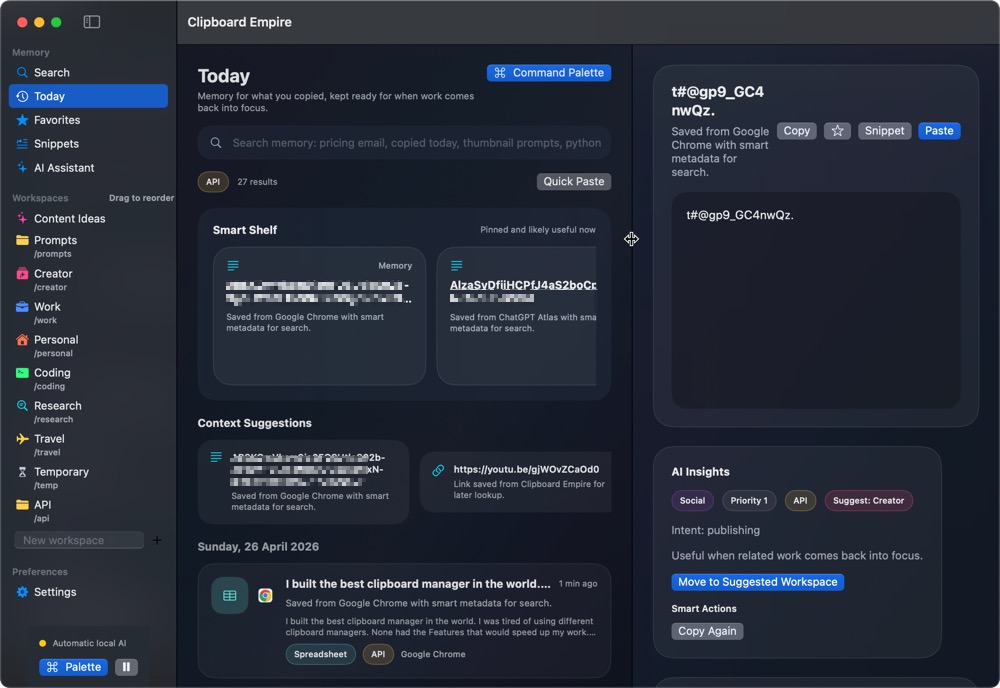
This one operates differently from the others — it’s a clipboard manager for Mac, not a note-taking app in the traditional sense. But for anyone who takes notes, it solves a specific problem that note apps don’t: the ideas, quotes, snippets, and links that don’t make it to a note because you copied them but forgot to paste somewhere useful.
Clipboard Empire keeps a searchable history of everything you copy. The research quote from a tab you closed, the headline that sparked an idea, the URL you meant to save — it’s all there, searchable, organized by app. At $9.99 (one-time, no subscription), it’s the cheapest item in this list and one of the highest-impact for writers and researchers. Get Clipboard Empire on Gumroad — macOS only.
- Best for: Mac users who lose snippets and ideas during research or writing sessions
- Price: $9.99 one-time
- Weak spot: Mac only, not a full note-taking replacement — it complements other apps
How to Choose: A Quick Decision Framework
Quick picker:
Researching from many sources → NotebookLM
Team workspace + notes → Notion AI
Long-term personal knowledge base → Obsidian
Apple user, want simple → Apple Notes
Losing ideas between copy and paste → Clipboard Empire
Most people land on a combination: one primary app for organized, intentional notes (NotebookLM, Notion, or Obsidian) plus a capture tool for everything else. Clipboard Empire fits that second role on Mac — it catches what your primary app doesn’t.
Tips for Getting More From AI Note-Taking Apps
What actually works:
- ✅ Upload sources to NotebookLM before reading them — let AI find connections you’d miss
- ✅ Use Obsidian’s daily notes template to capture consistently without overthinking organization
- ✅ In Notion AI, use “Ask AI” to summarize long meeting notes before distributing to the team
- ✅ Pair any note app with Clipboard Empire on Mac to catch the fragments that fall between sessions
- ✅ For research-heavy writing, summarize your sources with TechTippr AI Summarizer before adding them to your notes
Frequently Asked Questions
Is NotebookLM really free?
Yes — Google’s NotebookLM is free. There’s a paid tier (NotebookLM Plus) with higher usage limits, more Audio Overviews per day, and collaboration features, but the free version handles personal research use without issues.
Is Obsidian worth the learning curve?
If you’re serious about building a personal knowledge base you’ll use for years — yes. The payoff compounds over time and your notes are fully portable. If you want something that works immediately without configuration, start with NotebookLM or Notion.
Can I use multiple note-taking apps together?
Absolutely — most power users do. A common setup: Obsidian for permanent, well-organized notes; NotebookLM for research on specific projects; Clipboard Empire for capture. Each handles what it’s best at without overlap.
What note-taking app is best for students?
NotebookLM is the strongest choice for students in 2026. Upload your lecture slides, textbook chapters, and research papers — then ask questions, get summaries, and generate study materials. Free and purpose-built for exactly this use case.
Get Clipboard Empire ($9.99) ↗
Try AI Summarizer Free ↗
The right note-taking app is the one you’ll actually use consistently — start with the free tier of whatever fits your use case, build the habit, then decide if you need to pay for more. And if you’re on a Mac, add Clipboard Empire to catch everything your main app misses. Drop a comment with what setup you’re using — always curious what works for different workflows.