
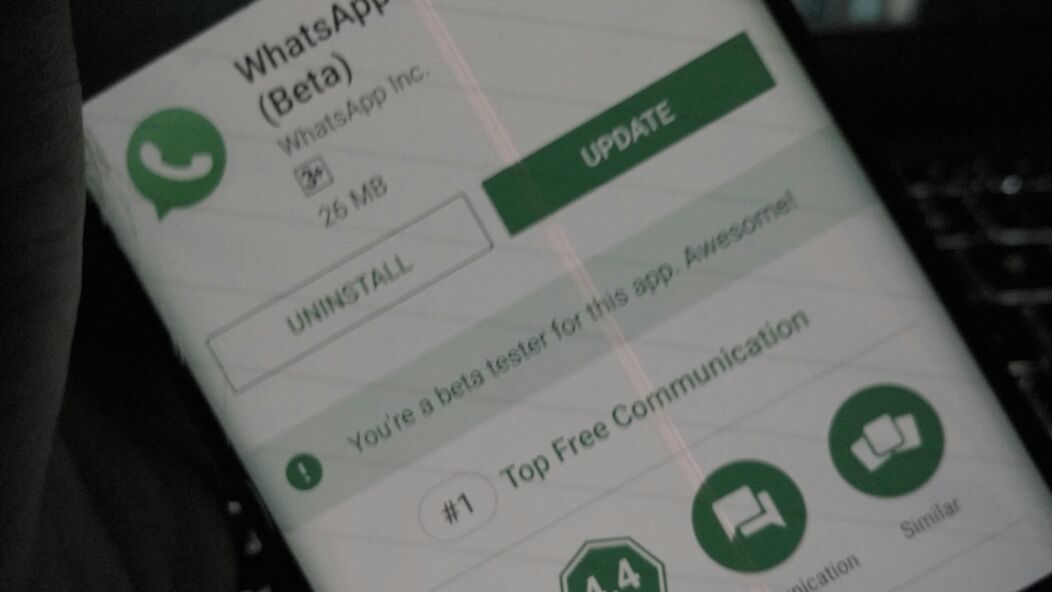
WhatsApp rolls out new features gradually — sometimes you’ll see others using features you don’t have yet. Here’s how to make sure you’re always on the latest version and get new features as quickly as possible.
Short Answer: To get the latest WhatsApp features: enable auto-updates for WhatsApp in the Play Store or App Store, or update manually by searching WhatsApp and tapping Update. WhatsApp rolls out features region-by-region, so some features appear for others before you — updates won’t always fix this.
Enable Automatic Updates for WhatsApp
Android (Play Store)
- Open the Google Play Store
- Tap your profile icon → Manage apps & devices
- Tap Manage → WhatsApp → three dots menu → Enable auto-update
Alternatively, enable auto-updates for all apps: Play Store → Profile → Settings → Network preferences → Auto-update apps → Over any network (or Wi-Fi only).
iPhone (App Store)
- Open Settings → App Store
- Toggle on App Updates under Automatic Downloads
This automatically updates all apps including WhatsApp when a new version is available.
📸 SCREENSHOT NEEDED: iPhone Settings > App Store showing ‘App Updates’ toggle enabled under Automatic Downloads
Update WhatsApp Manually
If you want to update right now without waiting for auto-update:
Android: Open Play Store → search “WhatsApp” → if an Update button appears, tap it
iPhone: Open App Store → tap your profile → scroll to see available updates → find WhatsApp and tap Update
How to Check Your WhatsApp Version
- Open WhatsApp → tap the three dots → Settings → Help → App info
- Your current version is listed here
- Compare with the latest version on the Play Store or App Store to see if you’re up to date
Why You Might Not Have a New Feature Even After Updating
WhatsApp uses a staged rollout system — new features are released to a percentage of users first, then gradually expanded to everyone. This means:
- You may be fully updated but still not have a feature someone else has
- This isn’t a bug — it’s intentional staged testing
- Most features reach everyone within a few weeks of initial rollout
There’s no reliable way to force feature access before your account is included in the rollout. Changing your region or reinstalling WhatsApp doesn’t help.
Ensure you’re always current:
Auto-updates ON → Manual check in Play Store/App Store weekly → Check version in WhatsApp Settings → Help → App info
WhatsApp Beta Program (Get Features Early)
For Android users who want features before the stable release:
- Go to the WhatsApp Play Store page
- Scroll down to Join the beta section
- Tap Join
- You’ll receive beta versions of WhatsApp with new features before most users
Warning: Beta versions can have bugs, crashes, or incomplete features. Don’t use WhatsApp Beta on your primary device if you rely on it for important communications.
FAQ
How do I check if WhatsApp is up to date?
Open the Play Store or App Store, search WhatsApp — if you see an “Update” button, there’s a newer version available. If you only see “Open” or “Installed,” you already have the latest version.
Why did someone else get a WhatsApp feature before me?
Staged rollout. WhatsApp tests new features on random percentages of users before full release. There’s no way to force early access on a stable release — join the Beta program if you want earlier access.
Does WhatsApp update automatically when on Wi-Fi?
Only if you’ve enabled automatic updates. If Play Store auto-updates are set to “Wi-Fi only,” updates happen when your phone is connected to Wi-Fi. If set to “Don’t auto-update,” you must update manually.
Quick checklist:
- ✅ Enable auto-updates in Play Store (Android) or App Store (iPhone)
- ✅ Check for updates weekly if you notice others have features you don’t
- ✅ Join WhatsApp Beta on Android for early access to new features
- ✅ Missing a feature after updating = staged rollout — wait a few weeks
Update WhatsApp on Play Store ↗ ↗WhatsApp Tips and Tricks
Conclusion
Enabling automatic updates is all you need to stay on the latest WhatsApp. For early access to unreleased features, the Beta program on Android is the legitimate path. Staged rollouts mean missing features temporarily isn’t a sign something’s wrong — it just means you’re not in the first wave. Check our WhatsApp guide for more tips on using the app effectively.