
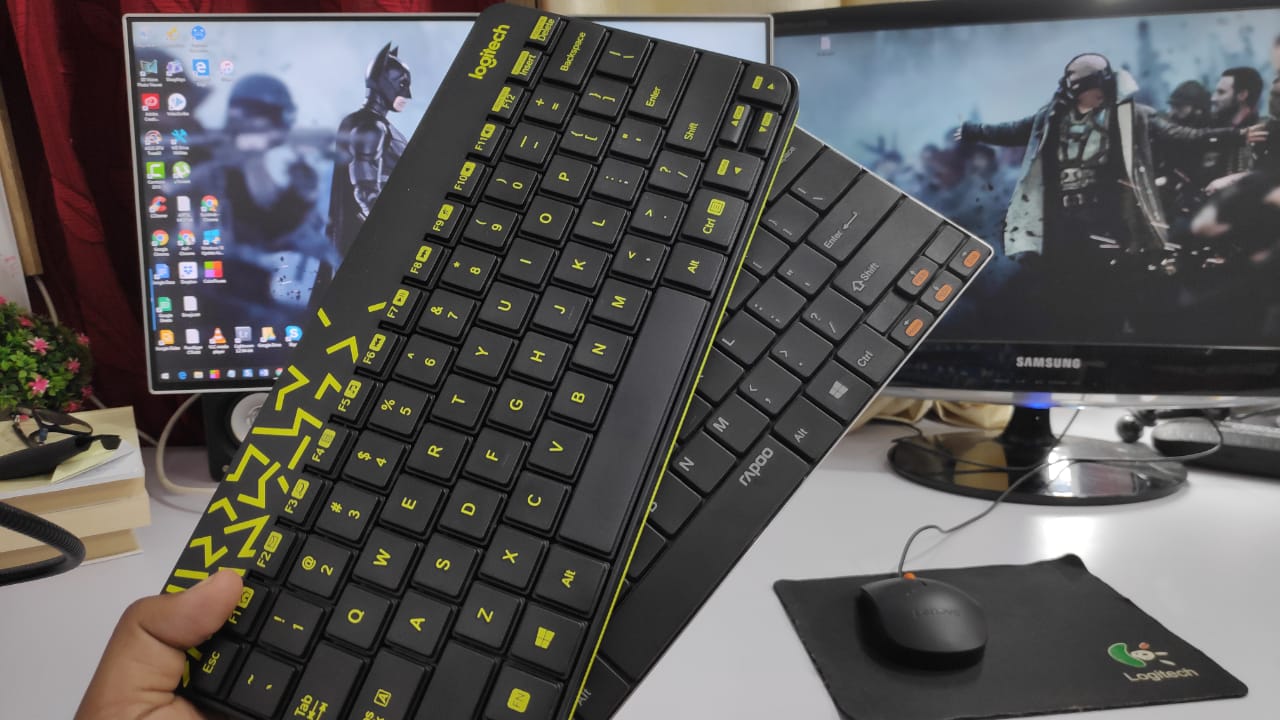
“Wireless keyboard” can mean two different things — Bluetooth or RF (radio frequency with a USB dongle). They’re not the same technology. Here’s what the difference means in practice and which one to buy.
Short Answer: For a desktop PC that stays in one place, a 2.4 GHz RF wireless keyboard (USB dongle) is the better choice — lower latency, no pairing issues, and works on any PC without Bluetooth. Bluetooth keyboards are better for laptops and tablets where you don’t want to use a USB port, or when switching between multiple devices.
How They Work
Bluetooth keyboards pair directly with your device using Bluetooth. No dongle needed — they work with any device that has Bluetooth (laptop, phone, tablet, smart TV). Modern Bluetooth keyboards support multi-device pairing, letting you switch between three or four devices with a button press.
2.4 GHz RF keyboards come with a small USB dongle (receiver) that plugs into your PC. The keyboard communicates with this dongle — no pairing steps, no drivers, just plug in and it works. Logitech calls their version “Unifying,” others call it “nano receiver.”
Latency: RF Wins for Desktops
RF wireless keyboards have essentially zero perceptible latency — indistinguishable from wired. Bluetooth has improved significantly (Bluetooth 5.0+ is very fast) but still has slightly higher input latency than RF. For typing this doesn’t matter at all. For gaming, RF is the clear choice.
Both are dramatically better than the cheap wireless keyboards with higher-latency radio implementations that plagued the market ten years ago.
Connectivity and Setup
RF keyboard: Plug the USB dongle into your PC and the keyboard is immediately recognised — no drivers, no pairing, no Bluetooth stack issues. Works on Windows, Mac, Linux, and Chromebooks without any setup.
Bluetooth keyboard: Requires pairing. On Windows, go to Settings → Bluetooth & devices → Add device. Takes 30–60 seconds. Most keyboards hold one to four paired devices in memory.
Multi-Device Use
This is where Bluetooth wins. Premium Bluetooth keyboards (Logitech MX Keys, Keychron K series) let you switch between a PC, laptop, tablet, and phone with a single keystroke. RF keyboards work with one device only (the one the dongle is plugged into).
If you regularly switch between a desk computer and a laptop, Bluetooth is far more convenient.
USB Port Usage
RF keyboards require a permanently occupied USB port. On laptops or thin clients with limited ports, this may be a deal-breaker. Bluetooth keyboards use no ports.
Best Keyboards by Type
Best RF Wireless Keyboards
- Logitech MK270: Budget pick, reliable, 24-month battery (~₹1,500)
- Logitech MK850: Premium, Bluetooth + RF combo (~₹6,500)
- Microsoft Wireless Desktop 900: Good combo keyboard + mouse set
Best Bluetooth Keyboards
- Logitech MX Keys: Premium typing feel, multi-device, backlit (~₹8,000)
- Keychron K3 / K8: Mechanical switches, multi-device Bluetooth (~₹6,000–₹8,000)
- Apple Magic Keyboard: Best for Mac users, scissor switches (~₹9,500)
Decision guide:
Desktop-only use → RF (USB dongle) | Multi-device switching → Bluetooth | Gaming → RF | Limited USB ports → Bluetooth
Warning: Cheap Bluetooth keyboards (under ₹1,000) often have noticeable input lag. If you’re buying budget, an RF keyboard in the same price range will type more reliably. Bluetooth quality scales with price more than RF does.
Quick checklist:
- ✅ Decided whether you need multi-device switching (Bluetooth) or single-device reliability (RF)
- ✅ Checked if your device has an available USB port for the RF dongle
- ✅ Verified Bluetooth version on your PC is 4.0+ for good keyboard performance
- ✅ Chose mechanical vs membrane switches based on typing preference
Frequently Asked Questions
Can a Bluetooth keyboard work on a PC without Bluetooth?
Only if you add Bluetooth via a USB adapter (Bluetooth dongle, ~₹500–₹800). Plug it in, Windows installs drivers, then pair normally. Most modern PCs and laptops have built-in Bluetooth — check Device Manager to confirm.
Is Bluetooth keyboard safe from eavesdropping?
Modern Bluetooth keyboards (Bluetooth 4.0+) encrypt the keystrokes between the keyboard and device. Older Bluetooth 2.0 keyboards were vulnerable to interception. RF wireless keyboards with a proprietary protocol are also encrypted. A wired keyboard is the most secure option if that’s a concern.
Can I use a wireless keyboard for gaming?
RF wireless is fine for casual gaming. For competitive gaming where every millisecond matters, a wired mechanical keyboard is still the gold standard — but the gap has narrowed considerably with modern RF keyboards. Never use Bluetooth for competitive gaming.
What’s the battery life like for wireless keyboards?
RF keyboards: 12–24 months on AA batteries. Bluetooth keyboards: varies widely — some (Logitech MX Keys) last 10 days with backlight, months without. Keyboards with rechargeable batteries (USB-C) need charging every week or two.
Conclusion
For a desktop that doesn’t move, an RF wireless keyboard (USB dongle) is simpler, more reliable, and slightly faster. For a laptop or anyone who needs to switch between multiple devices, Bluetooth is significantly more convenient. The Logitech MK series covers both sides well at every price point.
For more hardware recommendations, see our guides on the best tech gadgets and productivity tools.