
Automation used to require a developer or hours of learning a complex tool. AI has changed the equation entirely — you can now describe a workflow in plain English and have it built in minutes. The tools in this space have matured dramatically in 2026, and the businesses and creators using them are reclaiming hours every week from tasks that used to be unavoidable.
Short Answer: The best AI automation tools in 2026 are Zapier AI (easiest, 7,000+ app integrations), Make.com (most powerful for complex workflows), n8n (best open-source/self-hosted), Bardeen (best browser automation), and Claude/ChatGPT API (best for building custom AI steps into any workflow). The right choice depends on your technical comfort and workflow complexity.
1. Zapier AI — Easiest to Start With
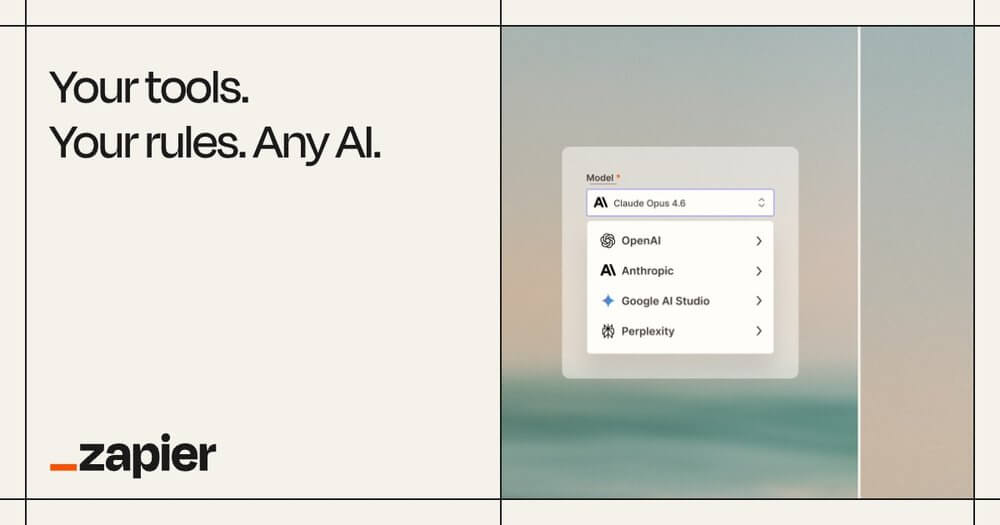
Zapier connects over 7,000 apps and has added AI throughout the platform. The natural language automation builder is the most accessible entry point: describe what you want (“when someone fills out my Typeform, add them to my Mailchimp list and send them a Slack notification”) and Zapier builds the workflow automatically.
The AI actions step lets you add Claude or ChatGPT processing into any automation — summarise an email before forwarding it, classify incoming support tickets, or rewrite social media posts for different platforms. For non-technical users, Zapier is the right starting point. Free tier covers 100 tasks/month; $29/month Starter for serious use.
2. Make.com — Most Powerful for Complex Workflows
Make (formerly Integromat) handles more complex multi-step workflows than Zapier and is significantly cheaper at scale. The visual workflow builder is more intuitive for complex logic — branching paths, loops, error handling — and the execution is faster and more reliable for high-volume automations.
The AI modules let you call OpenAI or Anthropic APIs as steps in any workflow, so you can build automations that include real AI processing — not just moving data between apps. A content team can automate: RSS feed → AI summariser → formatted newsletter draft → Beehiiv scheduled post, all in one Make scenario. Free for 1,000 operations/month; $9/month Core for growth.
Automation tool selector:
Non-technical, quick setup → Zapier | Complex workflows, cost-conscious → Make.com | Developer, self-hosted → n8n | Browser tasks → Bardeen | Custom AI pipelines → n8n + Anthropic API
3. n8n — Best for Technical Users and Self-Hosting
n8n is the open-source automation platform that developers and technical teams prefer. Self-hosted means your data never leaves your infrastructure — critical for businesses with compliance requirements or sensitive data. The node-based editor is powerful, the community template library is extensive, and it supports every major AI model via direct API integration.
Building an AI agent workflow in n8n — where Claude can search the web, read emails, write documents, and take actions autonomously — is genuinely possible and increasingly common in 2026. Free self-hosted forever; $20/month cloud plan.
4. Bardeen — Best for Browser Automation
Bardeen automates tasks that happen inside the browser — scraping data from websites, filling forms, moving information between web apps that don’t have APIs. The AI “Magic Box” feature lets you describe what you want to do in natural language and Bardeen builds the browser automation. For sales teams, researchers, and anyone doing repetitive web tasks, it eliminates a category of manual work entirely. Free for 10 automations/month; $10/month Pro.
5. Notion AI Automations
Notion’s 2026 automation features let you trigger AI actions based on database changes — when a task is marked complete, automatically generate a summary and update the project status. When a new row is added, use AI to classify it, fill in missing fields, or draft a related document. For teams living in Notion, this adds a layer of intelligent automation without needing a separate tool. Included with Notion Business plan ($18/user/month).
Most Valuable Automations to Build First
If you’re new to AI automation, start with these — highest impact, lowest complexity:
- Email to task: New email with keyword → AI summarises → creates task in your project management tool (Asana, Notion, Linear)
- Content repurposing: New blog post published → AI rewrites for LinkedIn + X + newsletter → scheduled in Buffer
- Lead capture: Form submission → AI enriches with company data → adds to CRM + sends personalised welcome email
- Meeting notes: Otter.ai transcript → AI extracts action items → creates tasks in project tool + sends summary to attendees
- Social monitoring: Brand mention detected → AI classifies sentiment → routes to Slack channel for response
Warning: Over-automation is a real trap. Automating a broken process just makes it break faster. Before automating anything, make sure the manual version works reliably and the output quality is good. AI automation amplifies — it amplifies good processes and bad ones equally.
Getting started checklist:
- ✅ List the 5 most repetitive tasks you do every week — pick the simplest one to automate first
- ✅ Sign up for Zapier free and build one automation this week
- ✅ Add an AI step to an existing automation — have it summarise, classify, or rewrite something
- ✅ Try Make.com if you hit Zapier’s limits or need more complex logic
- ✅ Set a time check at 30 days — measure actual hours saved vs hours spent building
FAQs
Do I need to know how to code to use AI automation tools?
No for Zapier, Bardeen, and Make.com’s basic features. Some coding knowledge helps with n8n and advanced Make.com scenarios, but the AI builders in most platforms understand plain English instructions well enough for most use cases.
Is Zapier or Make.com better?
Zapier is easier to start and has more app integrations (7,000 vs ~2,000 for Make). Make is cheaper at scale, handles more complex workflows, and is faster and more reliable for high-volume automations. Start with Zapier; switch to or add Make when you hit its limits.
How much can automation realistically save per week?
Most knowledge workers who implement basic automation report 3-8 hours saved per week. The biggest wins come from email processing, content repurposing, and data entry elimination. Results vary widely based on what you automate and how well the workflows are built.
Is it safe to automate emails and customer communications with AI?
With proper guardrails, yes. The standard approach is: AI drafts the communication → human reviews → human sends. Fully automated customer-facing AI emails work for routine notifications (confirmations, reminders) but high-stakes communications (sales, complaints, relationship-building) benefit from human review.
Try Zapier Free ↗
Try Make.com Free ↗
Final Thoughts
AI automation tools have genuinely democratised a capability that used to require a developer. The time investment to set up your first few automations pays back in weeks, not months. The creators, marketers, and small business owners getting the most from 2026’s AI tools are the ones who’ve removed repetitive work from their days and redirected that time to the work that actually requires human judgment.
Start small, build one thing that works, then expand. The goal isn’t to automate everything — it’s to automate the right things.
Related: How to Automate Your Daily Tasks with AI | How to Make Money with AI | AI Prompts That Save You Hours