Manual meeting notes are one of the biggest time drains in modern work. You’re trying to listen, contribute, and write simultaneously — and you usually end up with half-useful notes that take another 20 minutes to clean up afterwards.
AI meeting notes tools handle the entire process: they join your call, transcribe everything in real time, identify action items, and produce a structured summary you can share in one click. We tested six of the best in 2026 across Zoom, Google Meet, and Microsoft Teams calls.
📋 Best AI Meeting Notes Tools at a Glance:
1. Fathom — Best free option, no bot joins your call
2. Otter.ai — Best for teams, best speaker identification
3. Granola — Best for Mac users who prefer private notes
4. Fireflies.ai — Best for CRM integrations and sales teams
5. MeetGeek — Best value paid plan
6. Krisp — Best if you also need noise cancellation
7. OLVA — Best for real-time, bot-free meeting assistance
Fathom
✓ Free forever (generous)
Zoom, Google Meet, Teams
No bot joins call
Fathom is the standout free option in 2026. It records and transcribes your calls via a local app on your computer — no bot joins the meeting, so other participants don’t see “Fathom joined the call.” After the meeting, it generates a summary, action items, and key moments you can click to replay.
Free tier includes: Unlimited recordings, unlimited transcription, AI summaries, and a sharable highlight reel — all free. The paid plan ($19/month) adds team features and CRM sync.
Best for: Individuals and freelancers who want a zero-cost solution that doesn’t alert other participants. Works best on Zoom (deepest integration) but handles Google Meet and Teams well.
Limitation: No web-based access to recordings — you need the desktop app installed.
2. Otter.ai — Best for Teams and Speaker Identification
Otter.ai
✓ Free (300 min/month)
$16.99/month (Pro)
$30/user/month (Business)
Otter.ai has the most accurate speaker identification of any tool in this list — it learns to recognise individual voices over time and labels them correctly in the transcript. For meetings with multiple participants, this makes the notes significantly more useful.
Free tier: 300 minutes of transcription per month, which covers roughly 5–6 one-hour meetings. Good for light users; the limit is frustrating for daily users.
Standout feature: OtterPilot — a meeting bot that joins your Google Meet or Zoom, takes notes live, and can answer questions about the meeting in real time (“what did Sarah say about the budget?”) while the call is still happening.
Best for: Teams where multiple people need to reference the same meeting notes, or when accurate speaker attribution is important.
3. Granola — Best for Mac Users Who Want Privacy
Granola
✓ Free (25 meetings)
$18/month after trial
Mac only
Granola works differently from other tools — it doesn’t record or transcribe in real time. Instead, it captures the raw audio locally on your Mac, combines it with your own rough notes taken during the meeting, and then generates a polished summary afterwards using both sources.
Why this matters for privacy: Your audio is processed locally (for the transcription layer) and the AI summary is generated by the app, not by uploading your audio to a cloud server. For sensitive meetings, this is a meaningful distinction.
Best for: Mac users who take some notes themselves during meetings and want AI to polish them, or anyone dealing with confidential discussions.
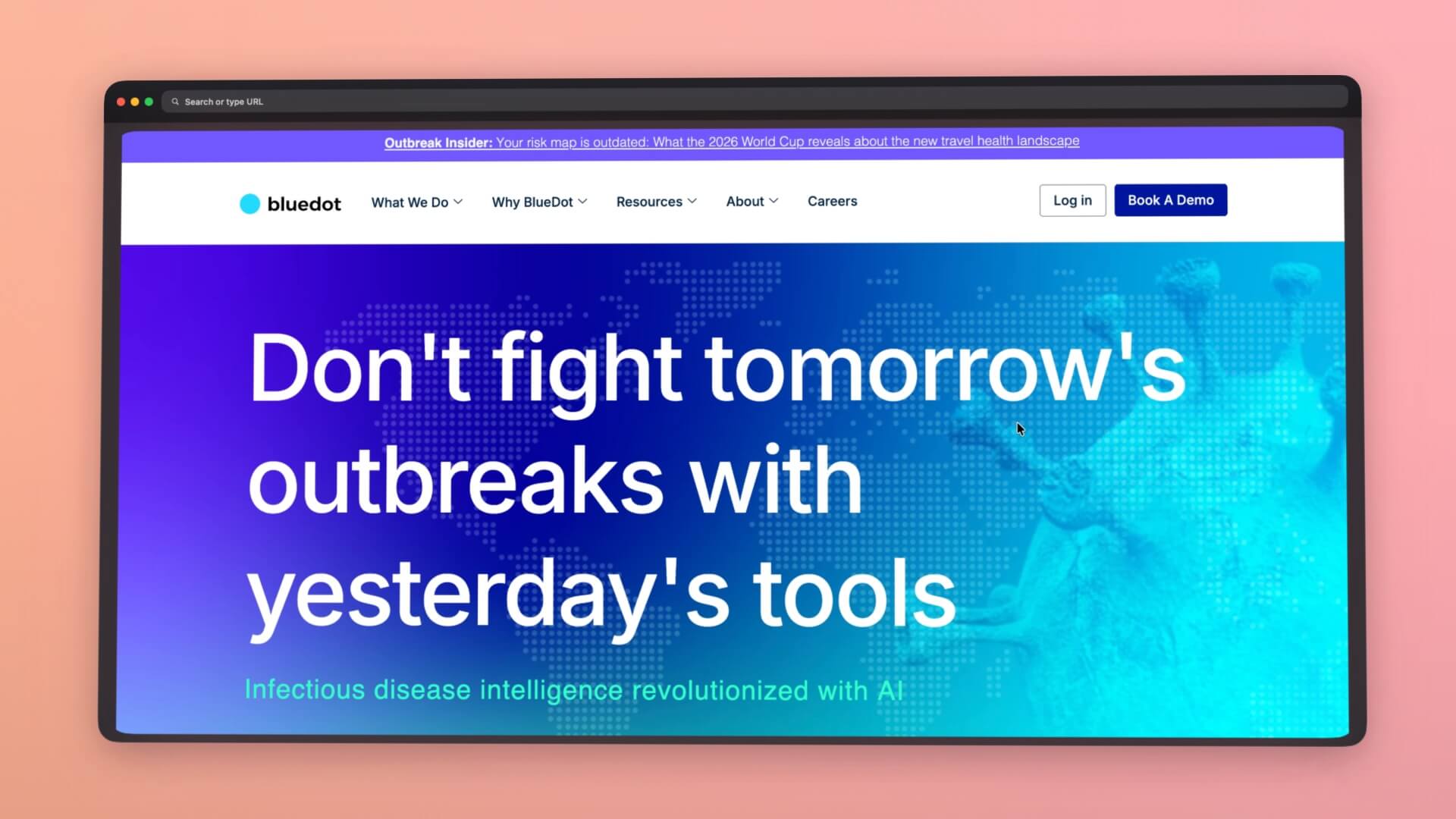
4. Bluedot — Best for Client Calls and External Meetings
Bluedot
✓ Free (5 meetings) $14/month (Basic) No bot joins call 100+ languages
Bluedot records your Google Meet, Zoom, and Teams calls through a Chrome extension running on your device. No bot joins the meeting — other participants see a normal attendee list with no AI tool announced. This makes it noticeably better than bot-based tools for client calls, external meetings, or any conversation where a “Bluedot joined” announcement would feel unprofessional.
After the call, Bluedot produces a structured summary with decisions, action items, and discussion points clearly separated. There’s also an AI chat that searches across your full meeting history — useful when you need to find what was said in a specific call weeks ago without rewatching it.
Free tier: 5 lifetime meetings with a 1-hour recording cap — enough to test it properly before committing.
Standout feature: 100+ language support for transcription and AI summaries, which is the widest of any tool in this list. If your meetings involve non-English speakers or international clients, Bluedot handles it where most competitors fall short.
Best for: Professionals who run a lot of external client calls and need accurate, private meeting notes without a bot changing the dynamic. Also the strongest option for multilingual teams.
Limitation: The free plan only covers 5 total meetings. Paid plans start at $14/month per user on annual billing.
Table
| Tool | Free Tier | Bot joins call? | Best for |
| Fathom | Unlimited | No | Individuals, free users |
| Otter.ai | 300 min/mo | Yes (OtterPilot) | Teams, speaker ID |
| Granola | 25 meetings | No | Mac + privacy |
| Bluedot | 5 meetings | No | Client calls, multilingual |
| Fireflies.ai | 800 min storage | Yes (Fred) | Sales + CRM sync |
| MeetGeek | 5 hours/mo | Yes | Best value paid |
| Krisp | 60 min/day | No | Noise cancellation too |
| OLVA | Free plan | No | Real-time meeting assistance, private calls |
5. OLVA — Best for Real-Time, Bot-Free Meeting Assistance (Our Review)
OLVA
✓ Free plan available
Pro plan for advanced features
No visible bot joins the call
OLVA is different from most AI meeting note tools because it helps while the conversation is happening, not just after it ends. It can transcribe live, detect questions, translate selected parts of a conversation, surface contextual answers and insights, and keep a searchable memory of previous meetings.
It works with Zoom, Google Meet, and Microsoft Teams without appearing as another participant in the call. OLVA also supports in-person conversations through its mobile apps, which makes it more flexible than tools built only for video meetings.
Best for: Professionals who want private, real-time help during calls — especially salespeople, account managers, founders, recruiters, consultants, and anyone communicating in a second language.
Limitation: Some integrations and advanced capabilities require a Pro subscription. As with any transcription tool, you are responsible for following local consent laws and workplace policies.
OLVA Free plan, Real-time assistance, private calls
6. Fireflies.ai — Best for Sales Teams and CRM Integration
Fireflies.ai
✓ Free (800 min storage)
$18/month (Pro)
Salesforce, HubSpot, Notion sync
Fireflies.ai sends a bot called “Fred” to your meetings. Fred transcribes in real time, identifies action items, and after the meeting syncs notes automatically to Salesforce, HubSpot, Slack, Notion, or Asana — depending on what you’ve connected.
Best for: Sales teams that need call notes to flow directly into their CRM without manual data entry. The automation from call → CRM is genuinely seamless.
Limitation: “Fred joined the meeting” is visible to all participants, which some people find disruptive or off-putting in sensitive meetings.
7. MeetGeek — Best Value Paid Plan
MeetGeek
✓ Free (5 hours/month)
$15/month (Pro)
Zoom, Meet, Teams, Webex
MeetGeek punches above its price point. The $15/month Pro plan includes unlimited recordings, AI summaries, speaker identification, and integrations with 2,000+ apps via Zapier. Its templates are particularly useful — you can set custom summary formats for different meeting types (1:1, standup, sales call, client review).
Best for: Small teams or individuals who want a paid tool without breaking the budget, especially if you run different types of meetings that benefit from different summary formats.
8. Krisp — Best If You Also Need Noise Cancellation
Krisp
✓ Free (60 min/day)
$16/month (Pro)
Best noise cancellation available
Krisp started as the leading AI noise cancellation tool and added meeting notes in 2024. If you’re already paying for Krisp for noise cancellation (which is exceptional — it handles keyboard clicks, background music, crying babies), you get meeting notes included. It works across all video call platforms without a bot.
Best for: Anyone in a noisy environment who already needs noise cancellation. Getting meeting notes as a bonus makes the $16/month very good value.
Quick Comparison: Which One Should You Use?
| Tool | Free Tier | Bot joins call? | Best for |
|---|
| Fathom | Unlimited | No | Individuals, free users |
| Otter.ai | 300 min/mo | Yes (OtterPilot) | Teams, speaker ID |
| Granola | 25 meetings | No | Mac + privacy |
| OLVA | Free plan | Yes | Real-time assistance, private calls |
| Fireflies.ai | 800 min storage | Yes (Fred) | Sales + CRM sync |
| MeetGeek | 5 hours/mo | Yes | Best value paid |
| Krisp | 60 min/day | No | Noise cancellation too |
✅ Our recommendation: Start with Fathom (free, no bot, genuinely good). If you need team features or your work involves CRM syncing, move to Fireflies.ai or MeetGeek. If you’re on a Mac and handle sensitive meetings, try Granola.
Frequently Asked Questions
What is the best free AI tool for meeting notes?Fathom is a popular free AI meeting notes tool with generous transcription and summary features. OLVA is another option for users who want more than post-meeting notes, offering bot-free real-time assistance such as live transcription, automatic question detection, contextual answers, fact checking, Live Translation, and post-meeting summaries.
OLVA works across desktop and mobile for both virtual and in-person conversations.
Do AI meeting note tools record without permission?
Some tools use meeting bots that appear as participants, while others operate through a local desktop or mobile application. OLVA is bot-free and does not join Zoom, Google Meet, or Microsoft Teams as an additional participant.
OLVA does not record or store the user’s voice or voiceprint; it processes meeting audio to generate transcripts and meeting intelligence. Bot-free does not mean consent-free, however, and users should always follow applicable recording and transcription laws, workplace policies, and consent requirements.
Can AI meeting notes tools work with Microsoft Teams?
Yes. Tools such as Otter.ai, Fireflies.ai, and MeetGeek support Microsoft Teams, often through bot-based integrations. Other tools work alongside meetings through desktop applications.
OLVA works alongside Microsoft Teams without adding a visible meeting bot, and also supports Zoom, Google Meet, and other conversations where meeting audio is available. OLVA is available on Windows, macOS, iOS, and Android.
Are AI meeting notes private?
Privacy practices vary significantly between AI meeting tools, so users should review each provider’s privacy policy and data-retention practices. OLVA is designed as a private, bot-free meeting assistant.
It does not record or store the user’s voice or voiceprint, and meeting transcripts, prompts, documents, summaries, and other customer content are not used to train, fine-tune, or improve general-purpose AI models. Users can manage and delete their meeting content through their OLVA account.
What AI meeting tool can help during a meeting, not just afterward?
Most AI note-taking tools are primarily designed to capture and summarize meetings. OLVA focuses heavily on real-time meeting assistance.
During a conversation, it can automatically detect questions, generate context-aware answers, fact-check statements, provide live insights and coaching, translate conversations in real time, and reference supporting documents. After the meeting, it can create summaries, action items, persistent meeting memory, and editable PowerPoint presentations.
Can AI meeting tools translate meetings in real time?
Yes, some meeting tools now offer multilingual transcription and translation. OLVA supports Live Translation across 87 languages and regional variants, allowing users to automatically translate a conversation into their preferred language or manually translate selected parts when they need additional context.
One small workflow note worth adding here: if you spend time in AI meeting tools, you end up copying and pasting a lot — summaries, action items, follow-up prompts. A good clipboard manager makes this noticeably faster.
I built Clipboard Empire for exactly this kind of AI-heavy workflow on Mac. It stores your clipboard history locally (nothing goes to any server), has built-in LLM support, and is a one-time purchase with no subscription.
More AI Productivity Tools Tested
We test AI tools so you know what’s worth your time before you commit. Follow for weekly reviews and honest comparisons.
Recommended for you
Never lose your best prompts
Our Product
*As an Amazon Associate I earn from qualifying purchases.