
- 01Why People Are Switching Away from Otter AI
- 021. Bluedot — Best Overall Otter Alternative
- 032. Fathom — Best Free Alternative
- 043. Fireflies AI — Best for CRM Automation
- 054. tl;dv — Best for Async Teams
- 065. MeetGeek — Best for Team Analytics
- 07Quick Comparison
- 08Which One Should You Use?
- 09Frequently Asked Questions
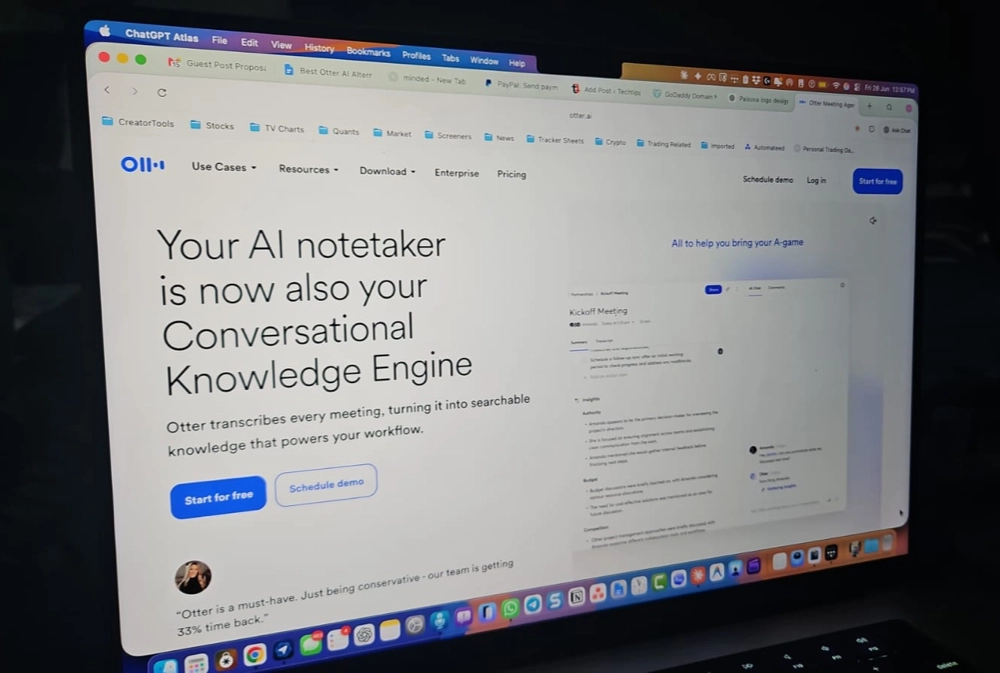
Otter.ai was one of the first AI transcription tools most people tried. It worked well enough to become a default choice, and for a while that reputation held. But in 2026, the gap between Otter and the competition has widened significantly — and not in Otter’s favor.
The problems are specific. Otter’s bot joins every meeting on your calendar by default, including ones you’re not attending. It auto-shares transcripts with all participants after each call, including external contacts who may not have expected that. It supports only four languages. It doesn’t record video natively. And it’s the only AI meeting tool to face a class-action lawsuit over its data handling practices.
If you’re looking to switch, here’s what actually works better in 2026 — tested across real calls.
Best Otter AI Alternatives at a Glance:
- Bluedot — Best overall, bot-free recording, 100+ languages
- Fathom — Best free plan, unlimited recordings
- Fireflies AI — Best for CRM automation
- tl;dv — Best for async teams and clip sharing
- MeetGeek — Best for team analytics
Why People Are Switching Away from Otter AI
Before the alternatives, it’s worth knowing exactly what’s broken — because the right replacement depends on which problem is causing you the most friction.The bot joins uninvited. OtterPilot auto-joins every meeting on your Google Calendar by default. Multiple users report it joining meetings they weren’t even attending. Disabling it per-call requires steps most users miss during onboarding.
Transcripts get shared automatically. Otter sends meeting notes to all participants after each call — including external guests — without requiring explicit approval each time. For anyone recording client calls or internal strategy discussions, this default setting creates real risk.
Only four languages. English, French, Spanish, and Portuguese. In 2026, every serious competitor supports 30 to 100+ languages. For global or multilingual teams, Otter is simply not an option.
No native video recording. Otter transcribes audio but doesn’t record video. If the transcript makes an error, there’s no recording to verify against.
Data privacy concerns. Otter AI is the only AI note-taking tool to face a class-action lawsuit over its handling of user data, with allegations that personal meeting information is used for AI model training.
1. Bluedot — Best Overall Otter Alternative
Bluedot addresses every specific reason people leave Otter. It records without a bot, keeps transcripts private by default, supports 100+ languages, and records video — the four things Otter fails at most visibly.
It works through a Chrome extension or native app on macOS, Windows, iOS, and Android. Nothing joins your meeting as a participant. Clients and colleagues see a normal call. The recording happens silently on your device, and a structured summary arrives before you move on to the next call.
Summaries separate decisions, action items, and discussion points clearly. An AI chat across your meeting history lets you search past calls with plain-language questions — “what did the client say about the timeline?” returns the relevant moment with a timestamp.
The free plan covers 5 lifetime meetings, which is enough to test it properly across a real week of calls. Paid plans start at $14/month per user on annual billing. The Business plan adds Salesforce and HubSpot integration.
Best for: Anyone switching from Otter who wants bot-free recording, private transcripts, and reliable multilingual support.
2. Fathom — Best Free Alternative
Fathom has the most straightforward free plan in the category: unlimited recordings, unlimited transcription, and unlimited storage — no credit card, no expiry date, no monthly cap. For anyone frustrated by Otter’s 300-minute monthly limit and 30-minute per-session cap, this is the most direct upgrade.Summaries arrive within about 30 seconds of a call ending. The 15+ summary templates cover different meeting types without per-session setup. Fathom is SOC 2, GDPR, and HIPAA compliant and does not train AI on customer data.
The trade-offs: Fathom uses a visible bot (though it can be renamed on higher tiers), there’s no mobile app on any plan, and AI summaries on the free plan are capped at 5 per month before stepping down to a simpler format. CRM field sync requires the Business plan at $25/user/month.
Best for: Individual professionals who want unlimited free recording without Otter’s monthly minute caps.
3. Fireflies AI — Best for CRM Automation
Fireflies AI is the right switch if the main reason you’re on Otter is CRM integration — and Otter keeps pushing that feature behind its most expensive tier. Fireflies pushes call summaries, action items, and notes into Salesforce, HubSpot, Pipedrive, and 200+ other tools automatically after every call, without manual steps.The AskFred AI assistant lets you query your full team meeting archive conversationally. Sentiment analysis adds a post-call breakdown of engagement and tone. Fireflies supports 100+ languages and explicitly does not train AI models on your meeting content.
The visible bot is the trade-off. Like Otter, Fireflies joins as a named meeting participant — though without the aggressive auto-joining and auto-sharing defaults that make Otter’s bot particularly problematic.
Free plan includes 800 minutes of storage. Pro starts at $10/user/month on annual billing.
Best for: Sales and customer success teams that need meeting notes reaching a CRM automatically after every call.
4. tl;dv — Best for Async Teams
tl;dv solves a problem that Otter doesn’t address at all: distributing specific meeting moments to people who weren’t on the call. Highlight any transcript line and tl;dv generates a shareable video clip of that exact moment — ready to drop into Slack or a team channel in seconds.For product teams, UX researchers, and distributed organizations where meeting decisions need to reach stakeholders in different time zones, this workflow replaces hours of manual follow-up. Multi-meeting intelligence analyzes patterns across your full call library without anyone reviewing individual sessions.
The Pro plan at approximately $10/user/month is one of the more affordable paid options in the category. The free plan’s main limitation: AI summaries are capped at 10 for the lifetime of the account — not per month — so most active users upgrade quickly.
Best for: Async-first teams that regularly share specific meeting moments with people who weren’t on the call.
5. MeetGeek — Best for Team Analytics
MeetGeek goes further than Otter by adding conversation analytics on top of standard transcription and summaries. After every call, it produces data on talk-time distribution, engagement scores, and sentiment patterns that accumulate across multiple meetings over time.For managers who want visibility into how their team’s calls are performing — without reviewing recordings manually — MeetGeek surfaces that information automatically. It supports 60+ languages, includes a mobile app for in-person recording, and integrates with HubSpot, Salesforce, Notion, and Slack.
The free plan includes 5 hours of transcription per month — significantly more practical than Otter’s 300-minute cap with the 30-minute per-session limit. Full analytics require the Business plan at $29/user/month.
Best for: Team leads and managers who want performance data from calls alongside standard meeting documentation.
Quick Comparison
| Tool | Bot-Free | Languages | Mobile App | Free Plan | Best For |
| Bluedot | Yes | 100+ | iOS + Android | 5 lifetime meetings | Best overall |
| Fathom | No | 28 | No | Unlimited recordings | Best free plan |
| Fireflies | No | 100+ | Yes | 800 min storage | CRM automation |
| tl;dv | No | 30+ | No | 10 summaries lifetime | Async teams |
| MeetGeek | No | 60+ | Yes | 5 hours/month | Team analytics |
| Otter AI | No | 4 | Yes | 300 min/month | — |
Which One Should You Use?
Switch to Bluedot if: You want to fix Otter’s core problems all at once — no bot, private transcripts, 100+ languages, video recording. It’s the most complete upgrade from Otter without trading one limitation for another.Switch to Fathom if: You’re mainly frustrated by Otter’s 300-minute monthly cap and just want unlimited free recording. The unlimited plan is genuinely unlimited.
Switch to Fireflies if: Your team is sales-focused and you need meeting notes to reach Salesforce or HubSpot automatically. The CRM automation depth is the strongest in this list.
Switch to tl;dv if: Your team is distributed and you regularly need to share specific call moments with people who weren’t there. The clip workflow is the fastest way to do that.
Switch to MeetGeek if: You manage a team and want to understand how your calls are performing over time, not just document individual meetings.
Frequently Asked Questions
Is there a free Otter AI alternative? Yes. Fathom offers unlimited free recording with no monthly cap. Fireflies has a free plan with 800 minutes of storage. MeetGeek gives 5 hours per month free. All three are more generous than Otter’s free tier.Which Otter alternative is best for privacy? Bluedot. It records without a visible bot, keeps transcripts private by default, and does not train AI models on your meeting data. It’s also SOC 2 and GDPR compliant.
Do any of these alternatives work without a bot in the meeting? Bluedot is the only tool in this list that records without any visible participant in the attendee list. The others all use a bot, though without Otter’s aggressive auto-joining and auto-sharing defaults.
Which is the best Otter alternative for multilingual teams? Bluedot supports 100+ languages. Fireflies also supports 100+ languages. Otter supports four. Either of these is the most direct fix for international teams hitting Otter’s language ceiling.