
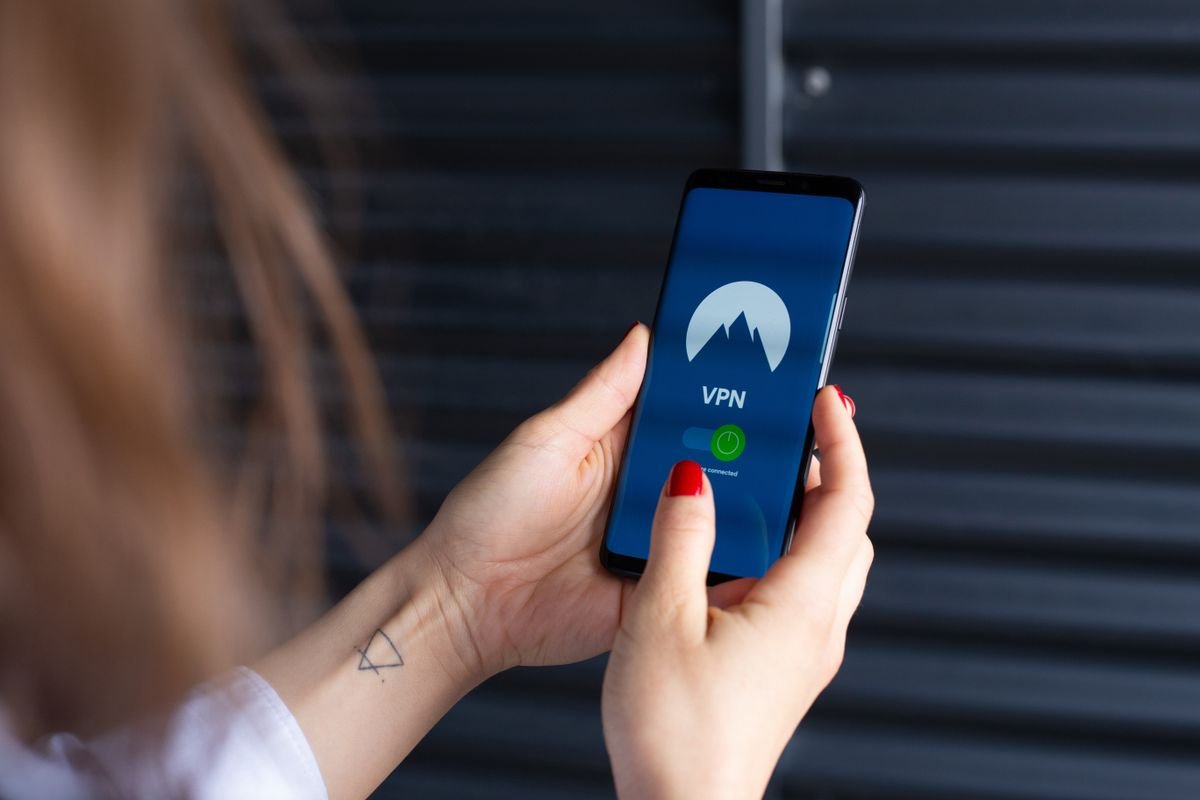
You keep hearing about VPNs. Maybe a YouTube ad, a friend who swears by one, or a news story about hackers on public WiFi. But do you actually need one — or is it mostly marketing hype? Here’s the honest answer.
Short answer: A VPN encrypts your internet connection and hides your IP address. Most people don’t need one all the time — but there are specific situations where it genuinely matters: public WiFi, accessing geo-blocked content, or working in a country that restricts the internet.
2026 Update: One meaningful update: most major VPN providers added AI-powered threat detection in 2026 — blocking malicious domains and phishing links in real time, not just routing traffic. This shifts VPNs from pure privacy tools toward broader security tools, which changes the value calculation for many users.
What does a VPN actually do?
VPN stands for Virtual Private Network. When you turn one on, your internet traffic gets routed through an encrypted tunnel to a server in another location. To websites and apps, it looks like your traffic is coming from that server’s location — not your actual device.
Think of it like this: without a VPN, your internet provider, the coffee shop WiFi, and every website you visit can see your IP address and roughly where you are. With a VPN, all they see is an encrypted blob going to a VPN server. The actual destination — Netflix, your email, your bank — stays private.
Three things a VPN actually does:
- Encrypts your traffic so networks you’re on (public WiFi, your ISP) can’t read what you’re doing
- Hides your real IP address and replaces it with the VPN server’s IP
- Makes it appear you’re in a different country — useful for accessing geo-blocked content
When you genuinely need a VPN
There’s a lot of VPN marketing that makes it sound like you’ll be hacked the moment you connect to any WiFi. That’s exaggerated. But here are the situations where a VPN is legitimately useful:
Public WiFi (airports, cafés, hotels)
This is the biggest real-world use case. Open WiFi networks don’t encrypt traffic between your device and the router, which means someone on the same network can potentially intercept unencrypted data. A VPN solves this by encrypting everything before it leaves your device. If you regularly work from cafés or travel for business, this alone is worth the $3–4/month.
Streaming geo-blocked content
Netflix US has different content than Netflix UK. BBC iPlayer only works in the UK. Disney+ libraries vary by region. A VPN lets you connect to a server in the relevant country and access that region’s content library. NordVPN and Surfshark are both reliable for this — ExpressVPN is the only one that consistently works in countries like China and UAE.
Avoiding ISP tracking and throttling
Your internet provider can see everything you do online and can legally sell that data in some countries (including the US). Some ISPs also throttle certain types of traffic — like video streaming or P2P. A VPN makes your traffic unreadable to them, which can also help with speeds on throttled connections.
Travel to restricted countries
If you’re heading to China, UAE, Russia, or a handful of other countries, many apps and websites are blocked. WhatsApp, Google, Instagram — all inaccessible without a VPN. You need to set one up before you arrive, not after, since VPN sites themselves are blocked in some of these countries.
How to set up a VPN in 3 steps:
1. Pick a VPN and sign up on their website → 2. Download the app on your device → 3. Tap Connect — done.
Most VPNs take under 5 minutes to set up. There’s no technical knowledge required.
When you probably don’t need a VPN
Not every scenario needs a VPN, and the marketing overclaims here are real. You don’t need a VPN running at home all the time. Your home WiFi is password-protected and your ISP connection, while not perfectly private, isn’t a major risk for most browsing. You also don’t need one to “be anonymous online” — a VPN hides your IP, but your browser cookies, logged-in accounts, and fingerprinting still identify you.
A VPN won’t protect you from malware, phishing emails, or weak passwords. If security is your main concern, a password manager and two-factor authentication will help you far more than a VPN.
Free VPNs — what you need to know
Free VPNs are a minefield. Running VPN servers costs real money, so most free VPNs are either heavily limited or make money by selling your data — which is the exact opposite of why you’d want a VPN. The few legitimate free options are Proton VPN (genuinely free with no data cap, slower speeds) and Windscribe (10GB/month free). Avoid any free VPN you’ve never heard of — especially ones from app stores.
Warning: Many “free VPNs” log and sell your browsing data — the exact privacy problem you’re trying to avoid. If you won’t pay for the product, you often are the product. Stick to Proton VPN Free or Windscribe if you want a free option.
VPN speed — will it slow down your connection?
Yes, a VPN will slow your connection slightly — encryption takes processing power, and traffic has to travel to the VPN server and back. The best VPNs using the WireGuard protocol typically reduce speeds by 5–15% on nearby servers. That’s unnoticeable in day-to-day use. The older OpenVPN protocol is slower — avoid VPNs that still rely on it by default.
If you’re connecting to a server far away (say, you’re in London connecting to a US server to watch American Netflix), expect more slowdown. For gaming specifically, always connect to the nearest server.
Which VPN should you get?
The short version:
- Best overall: NordVPN — fast, huge server network, works for streaming, solid privacy
- Best value: Surfshark — unlimited devices on one plan, cheaper renewal price than most
- Best for privacy: ProtonVPN or Mullvad — open source, no-logs, Swiss or Swedish jurisdiction
- Best for travel: ExpressVPN — works in China and UAE where others fail
- Best free option: ProtonVPN Free — no data cap, no logs, just slower speeds
Not sure which fits your situation? Use the Techtippr VPN Picker — answer 3 questions and get a personalised recommendation.
Quick checklist before you buy a VPN:
- ✅ Check the renewal price, not just the intro offer
- ✅ Make sure it has a kill switch (blocks all traffic if VPN drops)
- ✅ Look for WireGuard protocol support
- ✅ Verify a no-logs audit has been done by a third party
- ✅ Confirm it works in your country (especially if travelling)
- ✅ Check the simultaneous device limit matches your needs
Frequently asked questions
Is using a VPN legal?
In most countries, yes — VPNs are completely legal and used by millions of businesses for security. A handful of countries restrict or ban VPN use (China, Russia, UAE, North Korea, Belarus). Using a VPN doesn’t make anything you do online legal or illegal — it’s just a privacy tool.
Does a VPN make you completely anonymous?
No. A VPN hides your IP address and encrypts your traffic, but you’re still identifiable through logged-in accounts, browser cookies, and device fingerprinting. For true anonymity you’d need the Tor browser plus other privacy measures. For most people, a VPN provides a meaningful privacy upgrade — not perfect invisibility.
Will a VPN protect me from hackers?
On public WiFi, yes — it prevents someone on the same network from intercepting your traffic. But a VPN won’t protect you from phishing attacks, malware, or account breaches. Those require different tools: a good password manager, two-factor authentication, and keeping software updated.
Can Netflix detect and block VPNs?
Netflix actively tries to block VPN IP addresses, and cheaper VPNs often get blocked. The premium VPNs (NordVPN, ExpressVPN, Surfshark) constantly rotate their servers to stay ahead of blocking, but no VPN can guarantee 100% Netflix access 100% of the time. NordVPN and Surfshark are the most reliable based on current testing.
Do I need a VPN on my phone?
If you regularly use public WiFi on your phone, yes. Most good VPNs include iOS and Android apps with the same subscription. Mobile devices actually benefit more from VPNs than desktops do, since they connect to more untrusted networks.
Try NordVPN — 30-day free trial ↗
Try Surfshark Free ↗
The bottom line
A VPN is not a magic shield and it’s not something you need running constantly. But for specific situations — public WiFi, streaming from abroad, working in privacy-restricted countries — it’s one of the most practical tools you can have. The best part: a decent one costs less than a coffee per month on a 2-year plan.
Once you’ve decided you want one, check out our full VPN comparison for head-to-head testing, or if you want a straight recommendation without wading through comparison tables, the VPN Picker tool will sort you out in under a minute.