
- 011. Security Camera / Baby Monitor
- 022. Dedicated Music / Podcast Player
- 033. Smart Home Controller
- 044. Offline GPS / Navigation Device
- 055. Dedicated Alarm Clock / Bedside Display
- 066. Kids' Device for Games and Learning
- 077. Workout and Fitness Tracker
- 088. Bluetooth Remote Control
- 099. eBook / Reading Device
- 10FAQ
Your old Android phone still works. The battery might be weaker and it might be a little slow, but there are genuinely useful things it can do — especially if you set it up for one dedicated purpose rather than trying to use it as a second main phone.
Short Answer: The best uses for an old Android phone: a dedicated security camera or baby monitor, a smart home hub, a music and podcast player, a travel GPS, or a bedside clock with a permanent charging connection. The key is giving it one job rather than cluttering it with every app from your main phone.
1. Security Camera / Baby Monitor
A working old phone with a decent camera makes an excellent home security camera — for free, using apps you already know.
- Alfred Camera: Free app. Install Alfred on both the old phone (camera) and your main phone (viewer). Stream live or get motion alerts.
- DashCam: Mounts on a window as a continuous recording dash or room camera.
Set the phone on a stable surface or use a small phone stand, plug it in, and let it run Alfred in the background.
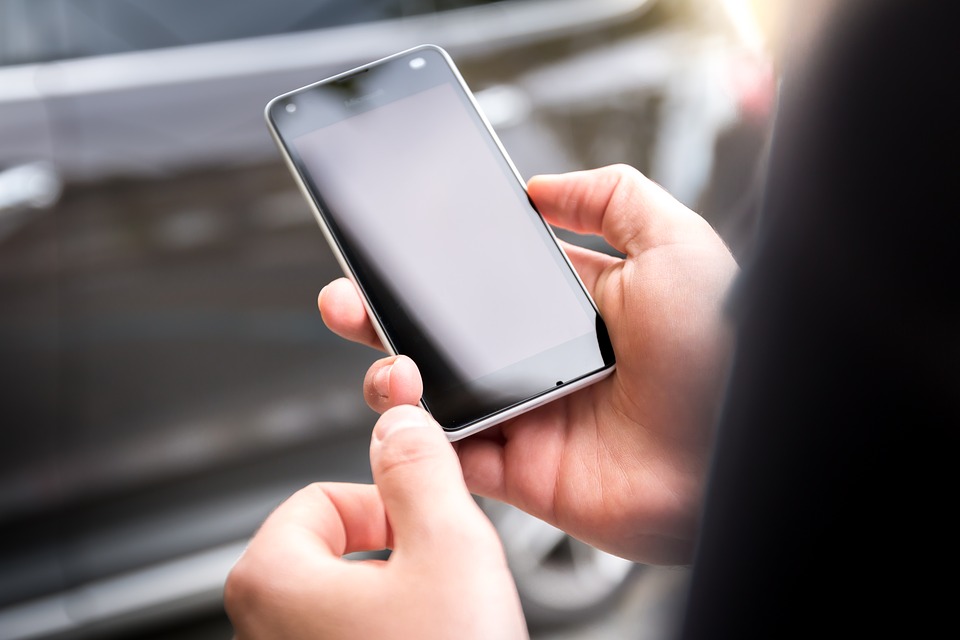
📸 SCREENSHOT NEEDED: Old Android phone mounted on a stand, running Alfred Camera app with live view visible on screen
2. Dedicated Music / Podcast Player
Plug it into a Bluetooth speaker or your car stereo and leave it there permanently. Install Spotify, Pocket Casts, or YouTube Music — set up your playlists, put it on a charging dock, and you have a dedicated music device that doesn’t interrupt calls on your main phone.
3. Smart Home Controller
Mount it on a wall or place it in the kitchen as a dedicated smart home control panel:
- Install Google Home, Alexa, or your smart home app
- Use it to control lights, thermostats, plugs, and cameras
- Set it to always-on display mode (Settings → Display → Screen timeout → Never, while charging)
4. Offline GPS / Navigation Device
Download offline maps on Maps.me or Google Maps offline for a country or region. The old phone becomes a dedicated GPS — no SIM card required, just Wi-Fi to update maps occasionally. Great for travel to places with expensive roaming.
5. Dedicated Alarm Clock / Bedside Display
Use it as a night clock:
- Install Sleep as Android or a simple clock app
- Enable “Stay awake while charging”
- Reduce brightness to minimum
- Plug it in permanently by your bed
6. Kids’ Device for Games and Learning
Set up a restricted profile (Settings → Users → Add restricted profile) or use Google Family Link to control what’s accessible. Install learning apps, games, and YouTube Kids — and you have a dedicated kids’ tablet without risking your main phone.
7. Workout and Fitness Tracker
Leave it at the gym or use it only for workouts — no distractions from messages or work apps. Install Strava, Nike Training Club, or YouTube for workout videos. The dedicated battery for workouts means your main phone stays charged.
8. Bluetooth Remote Control
Install a remote control app and use the phone to control your TV (via IR blaster if it has one, or via apps like Sure Universal Remote). Some smart TV remotes work via Bluetooth too.
9. eBook / Reading Device
Install Moon+ Reader, Libby (free library books), or the Kindle app. Reduce screen brightness and use it as a dedicated reading device — especially good for night reading since you can fine-tune the warmth and brightness better than a Kindle.
Before repurposing:
Do a factory reset first. This clears all your personal data, removes apps you don’t need, and gives the old phone a fresh start with better performance.
Warning: Check that the old phone still receives Android security updates before using it for anything involving your home network or personal data. An unpatched phone with known vulnerabilities is a security risk even on your home Wi-Fi.
Quick checklist:
- ✅ Factory reset before setting up the dedicated role
- ✅ Keep it permanently plugged in for clock, camera, and smart home uses
- ✅ Disable all unnecessary background apps and notifications
- ✅ Install only the apps needed for that one purpose
- ✅ Use Alfred Camera or DashCam for free home security camera setup
FAQ
Can I use an old phone as a security camera without Wi-Fi?
You can record locally using an app like DashCam or IP Webcam, but live viewing and motion alerts require a Wi-Fi connection. Store recordings to a microSD card for offline use.
Does my old phone need a SIM for these uses?
No — all these uses work with Wi-Fi only. No active SIM is required. If the phone isn’t connected to any network, offline uses like GPS (with downloaded maps) and music (with offline playlists) still work.
What should I do with the old phone if none of these uses appeal to me?
Sell it (Facebook Marketplace, OLX, or a trade-in program), donate it to a family member or charity, or recycle it responsibly through a phone maker’s recycling program. Don’t throw it in regular trash — phones contain hazardous materials.
Best Android Apps ↗Smart Home Setup Guide
The security camera use case alone justifies keeping an old phone running rather than selling it — a spare phone running Alfred Camera is more capable than most $30–40 dedicated cameras and costs nothing if you already have the hardware.