
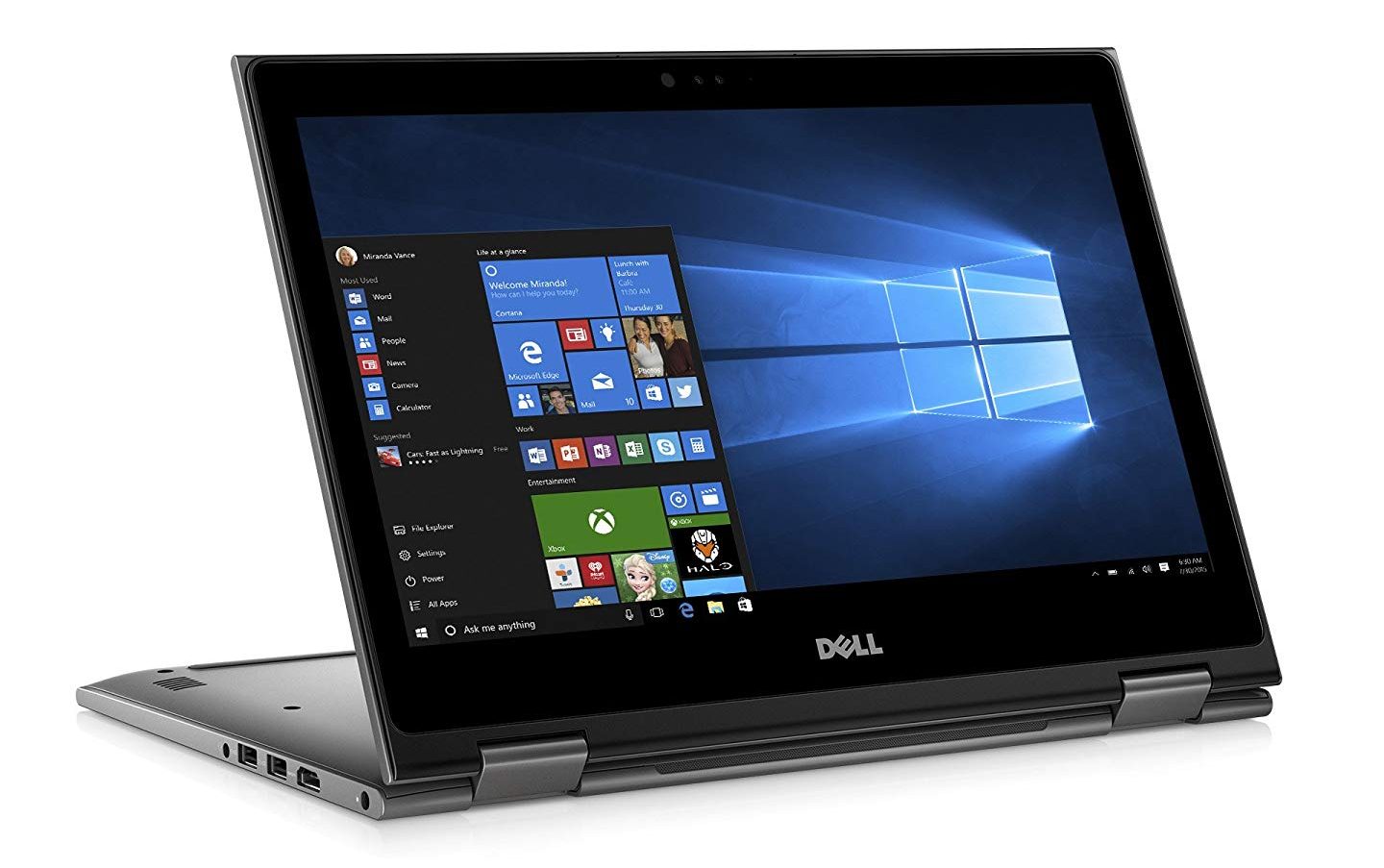
2-in-1 laptops let you fold the screen back for tablet mode or use a stylus for note-taking — useful for students, remote workers, and anyone who wants one device that handles both work and media. Here are five worth buying at under $600 in 2026.
Short Answer: The best budget 2-in-1 under $600 in 2026: Lenovo IdeaPad Flex 5 offers the best value (AMD Ryzen, 16 GB RAM, 12-hour battery). HP Envy x360 is the premium-feeling option. Acer Spin 5 is a good alternative. All run Windows 11 and support touch; some include a stylus.
What to Look for in a Budget 2-in-1
The key specs for a useful 2-in-1 in 2026: at least 8 GB RAM (16 GB preferred for multitasking), 256 GB SSD minimum (512 GB is better), and a processor that handles everyday tasks without throttling. AMD Ryzen 5/7 and Intel Core i5/i7 (12th gen or later) are both good. Avoid Celeron or Pentium processors — they’re too slow for comfortable daily use.
1. Lenovo IdeaPad Flex 5 — Best Value
The IdeaPad Flex 5 consistently delivers more RAM and storage for the price than competitors. The AMD Ryzen configuration (Ryzen 5 7530U + 16 GB RAM) handles browser work, video calls, and light creative work without breaking a sweat. 12-hour battery life is genuinely achievable for productivity work.
- Price: ~$450–$550
- Processor: AMD Ryzen 5 7530U
- RAM/Storage: 16 GB / 512 GB SSD
- Display: 14″ FHD touch (1920×1080)
- Battery: ~12 hours claimed, ~9–10 hours real-world
- Stylus: Digital pen included in some configurations
2. HP Envy x360 — Most Premium Feel
The Envy x360 has an aluminium chassis that feels significantly more premium than its price. The 13.3″ OLED display option makes content look excellent. HP’s implementation of Windows Hello (fingerprint + IR camera) is the best in this price bracket.
- Price: ~$550–$600
- Processor: AMD Ryzen 5 7530U or Intel Core i5
- Display: 13.3″ or 14″ OLED or IPS touch
- Best for: Users who want premium build quality at mid-range price
3. Acer Spin 5 — Good All-Rounder
The Acer Spin 5 includes a stylus in the box and has a good 2K (2560×1440) display — above the 1080p norm at this price. The 360° hinge is smooth and feels durable. Slightly heavier than the competition but the display upgrade is worth it for anyone who does a lot of reading or note-taking.
- Price: ~$500–$580
- Display: 13.5″ 2K (2560×1440) touch
- Includes: Acer Active Stylus
- Best for: Students who need stylus note-taking, anyone who wants better than 1080p
4. Microsoft Surface Go 3 — Best for Tablet Use
The Surface Go 3 is more tablet than laptop — a 10.5″ display in a compact, light form factor. It pairs with the Surface Keyboard and Surface Pen (sold separately) for a complete setup. Battery life and performance are more limited than full laptops, but the portability is unmatched in this category.
- Price: ~$400 (device only, accessories extra)
- Best for: Lightweight travel device, secondary computer, digital note-taking
- Limitation: Intel Pentium Gold processor — adequate for basic tasks only
5. ASUS VivoBook Flip 14 — Best Battery Life
The VivoBook Flip 14 prioritises battery efficiency — the AMD Ryzen U-series configuration regularly achieves 14–16 hours of real-world use. If long untethered use is your priority (travelling, long days away from outlets), this is the pick.
- Price: ~$450–$520
- Battery: 14–16 hours real-world (AMD Ryzen configuration)
- Best for: Travellers, students with long days on campus
Best pick by use case:
Best value → Lenovo Flex 5 | Premium feel → HP Envy x360 | Stylus note-taking → Acer Spin 5 | Tablet-first → Surface Go 3 | Best battery → ASUS VivoBook Flip 14
Warning: Check the exact processor before buying — manufacturers often sell the same model name with different chips (Intel vs AMD, different generations). Always verify the CPU model in the product listing before purchasing. AMD Ryzen 5/7 generally outperforms Intel Core i5/i7 at the same price in this segment.
Quick checklist:
- ✅ Confirmed at least 8 GB RAM (16 GB preferred) and 256 GB+ SSD
- ✅ Checked processor is AMD Ryzen 5/7 or Intel Core i5/i7 (not Celeron/Pentium)
- ✅ Verified whether stylus is included or sold separately
- ✅ Checked return policy — 2-in-1 hinge durability is best evaluated after 30 days of use
Frequently Asked Questions
Is 8 GB RAM enough for a 2-in-1 laptop in 2026?
For basic use (browser, Office, video streaming), yes. For running 15+ Chrome tabs, video editing, or multiple apps simultaneously, 16 GB is noticeably smoother. Many laptops in this price range now offer 16 GB as a base configuration.
Do these laptops support Windows 11?
Yes — all five models ship with Windows 11 Home. The touch and 2-in-1 features (tablet mode, touch keyboard, screen rotation) are all natively supported in Windows 11.
Can I use these for light gaming?
For older titles and casual games (Minecraft, Stardew Valley, indie games), yes — integrated AMD Radeon graphics (in the Ryzen models) handles these well. For recent AAA games, you’d need a dedicated GPU, which adds cost well above $600.
Should I buy a 2-in-1 or a regular laptop?
If you actively use tablet mode (drawing, handwriting notes, reading, media consumption lying down), a 2-in-1 is worth the slight premium. If you only ever use it as a laptop, a regular clamshell laptop gives you more specs for the same money.
Conclusion
The Lenovo IdeaPad Flex 5 is the recommendation for most people — it gives you 16 GB RAM and 512 GB SSD at a price other manufacturers charge for 8 GB/256 GB. The HP Envy x360 is worth stretching for if build quality matters. Check current prices before buying — these models see frequent sales that bring them below list price.
For more tech buying guides, see our best tech gadgets guide and best free Windows software to set up your new laptop.