
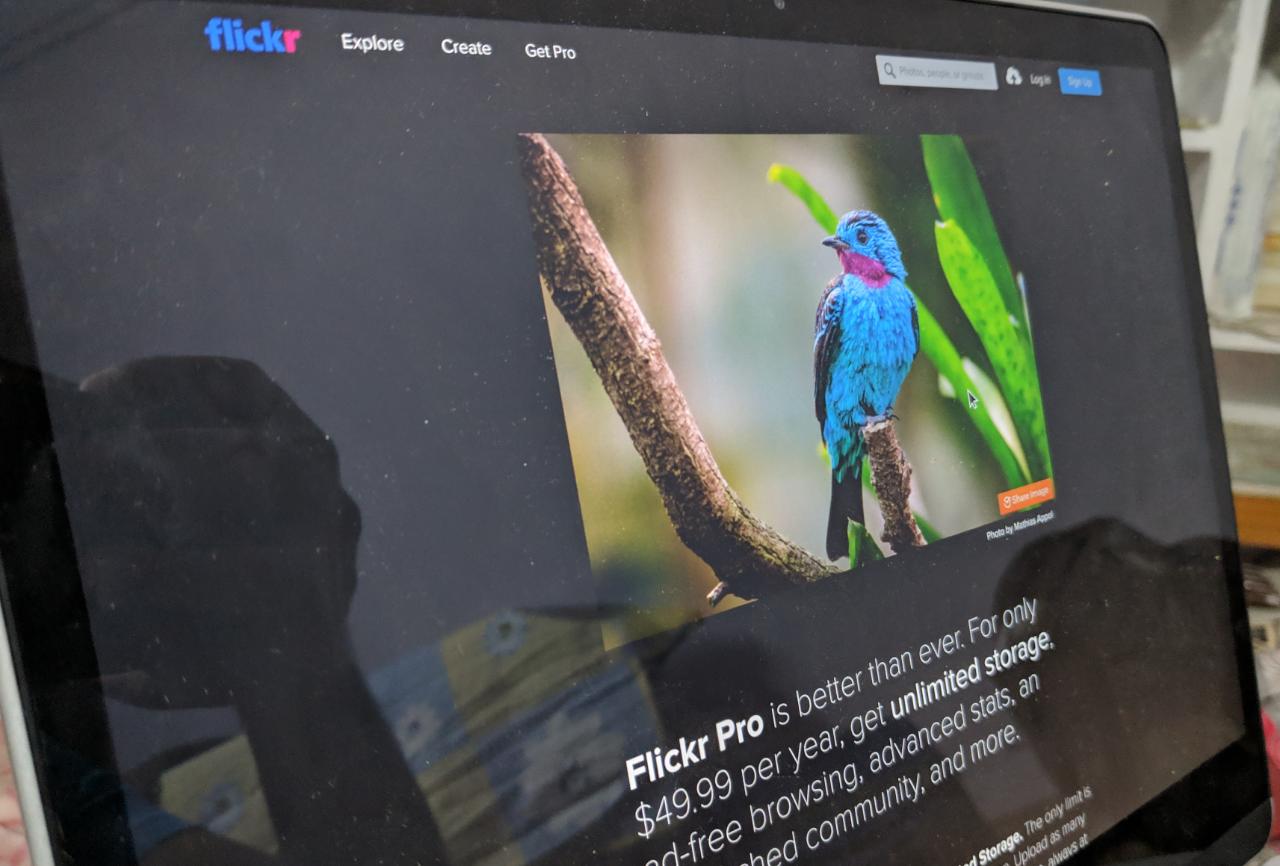
Flickr removed free unlimited storage back in 2019. If you’re looking for a reliable place to store and share photos for free — without losing quality or paying a monthly fee — these six services are worth knowing about.
Short Answer: Google Photos offers 15 GB free and is the easiest option for most people — it organises photos by people, places, and things automatically. Amazon Prime members get unlimited photo storage included. Imgur and SmugMug are good for sharing publicly. All six options below keep your photos at full resolution.
1. Google Photos — Best Overall
Google Photos gives you 15 GB free (shared with Gmail and Google Drive), automatic backup from your phone, face recognition, and powerful search (“find photos of my dog at the beach”). It’s the easiest service to use and the most widely supported.
- Free storage: 15 GB (shared across Google account)
- Quality: Full original resolution
- Backup: Automatic from Android and iPhone
- Best for: Personal photo backup and sharing with family
If you run out of the 15 GB, Google One storage plans start at $2.99/month for 100 GB.
2. Amazon Photos — Best for Prime Members
If you have Amazon Prime, you already have unlimited full-resolution photo storage included — no extra cost. Amazon Photos also includes 5 GB for videos. The desktop and mobile apps are solid, and it has a Family Vault to share storage with up to five people.
- Free storage: Unlimited photos + 5 GB video (with Prime)
- Without Prime: 5 GB only
- Best for: Amazon Prime subscribers — it’s the best value by far
3. iCloud Photos — Best for iPhone Users
If you use an iPhone, iCloud Photos is built into iOS and automatically backs up every photo to Apple’s servers. The free tier is 5 GB — enough to get started, but most people quickly upgrade. iCloud+ starts at ₹75/$0.99/month for 50 GB.
- Free storage: 5 GB
- Best for: iPhone users who want seamless Apple ecosystem integration
4. Imgur — Best for Sharing Publicly
Imgur is built for sharing images with the internet — it’s the platform where most viral images originate. Free accounts can upload unlimited images (there are limits on account storage but practical limits are hard to hit for normal use). Great for embedding images in blog posts, forums, and social media.
- Free storage: Generous (no official limit for public images)
- Best for: Sharing photos publicly, embedding in web content
- Note: Not ideal for private photo storage — images are public by default
5. SmugMug — Best for Photographers
SmugMug actually acquired Flickr. For professional photographers, SmugMug offers unlimited storage with beautiful gallery presentation, a customisable portfolio site, and the ability to sell prints. It’s not free — plans start at $13/month — but it’s worth mentioning as the premium step up from Flickr.
- Free storage: No free tier (14-day trial)
- Best for: Professional photographers who need portfolio + storage
6. Microsoft OneDrive — Good Free Option for Windows Users
OneDrive gives 5 GB free with any Microsoft account and integrates directly into Windows Explorer. The Photos section auto-organises by date and has basic search. If you use Microsoft 365 ($7/month), you get 1 TB of OneDrive storage — good value if you’re already paying for Office.
- Free storage: 5 GB
- Best for: Windows users already in the Microsoft ecosystem
Best pick by situation:
Prime member? → Amazon Photos (unlimited) | Android phone? → Google Photos | iPhone? → iCloud Photos | Sharing publicly? → Imgur
Warning: Free storage limits change. Always check the current free tier before uploading thousands of photos — services have reduced free allowances before (Flickr, Google Photos compression policy in 2021).
Quick checklist:
- ✅ Enabled auto-backup on your phone (Google Photos on Android, iCloud on iPhone)
- ✅ If you have Amazon Prime, activated Amazon Photos for free unlimited photo backup
- ✅ Exported existing Flickr photos before they expire if on the old free plan
- ✅ Chose one primary service to avoid photos scattered across multiple platforms
Frequently Asked Questions
Does Google Photos compress your photos?
Since June 2021, new uploads to Google Photos count against your 15 GB storage (even at “High Quality” compression). Previously, compressed uploads were free. Original quality uploads also count against storage. Either way, 15 GB holds roughly 4,000–6,000 typical smartphone photos.
What happened to Flickr free unlimited storage?
In January 2019, Flickr limited free accounts to 1,000 photos. Photos above that limit were deleted unless users upgraded to Flickr Pro. Flickr is now owned by SmugMug and the Pro plan costs $8.25/month.
Is there a truly unlimited free photo storage service?
Amazon Photos (with Prime) comes closest — unlimited photos at original quality. No other major service offers truly unlimited free storage at full resolution. Amazon Photos requires an active Prime subscription (~₹1,499/month in India, $14.99/month in the US).
Can I use multiple services at once?
Yes — many people back up to Google Photos and Amazon Photos simultaneously for redundancy. Apps like Google Photos and the Amazon Photos app can both run in the background. Just be aware of which service is your “primary” to avoid confusion.
Conclusion
Amazon Photos wins if you have Prime — it’s the only unlimited option without paying extra. For everyone else, Google Photos 15 GB is the most capable free service. iPhone users will find iCloud Photos the path of least resistance even with its smaller free tier.
Looking for more storage tips? See our guides on the best Android apps and the best free cloud storage services.
Try Google Photos Free ↗ ↗Amazon Photos (Prime)